Avalon LIS Connectivity
Connect Laboratory Instruments to Avalon LIS
Avalon LIS laboratory instrument interfaces exchange orders, patient demographics, results, and supported quality-control data between the LIS and connected analyzers.
Reduce repetitive entry and transcription risk while preserving technician review and approval. CSS brings more than 40 years of interface experience and a library of 350+ instrument connections to laboratories nationwide.
A growing library of instrument connections.
Long-standing laboratory interface experience.
Technicians remain in control of result approval.
Bidirectional workflow
From Order to Reviewed Result
Move information through the laboratory without duplicate entry.
Connected laboratory workflow
Reduce Manual Steps from Order to Result
Instrument connectivity helps keep patient, order, specimen, and result information aligned across the testing process.
Identify the Specimen
Barcoded labels and supported auto-sampling workflows help instruments associate specimens with the correct order.
Exchange Testing Data
A supported interface can deliver order information to the analyzer and return instrument-generated results to Avalon LIS.
Review and Approve
Technicians review results, address exceptions, and approve information before it moves to its final disposition.
Interface capabilities
Keep Instruments and LIS Workflows in Sync
Available functionality depends on the analyzer and interface specification, but connected workflows can support the following core needs.
Order and Demographic Delivery
Send supported patient and testing information from Avalon LIS to the laboratory instrument.
Electronic Result Retrieval
Return analyzer-generated results to the LIS without retyping values from an instrument screen or printout.
Exception-Focused Workflows
Use clear result-review screens to help technicians identify values that require attention, verification, or rerun.
Quality-Control Data
Where supported, move QC information from the instrument into Avalon LIS for connected laboratory review.
Barcode and Auto-Sampling Support
Use barcoded specimen labels to reduce repeated identification entry and support automated sampling workflows.
Interface Evaluation
Review the analyzer model, protocol, data requirements, and laboratory workflow before implementation.
Representative instrumentation
Connect Across the Modern Laboratory
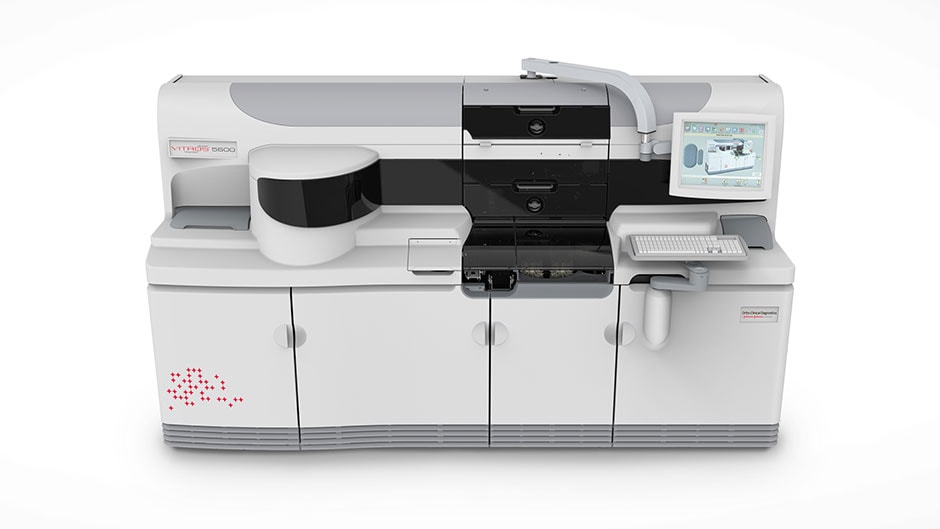
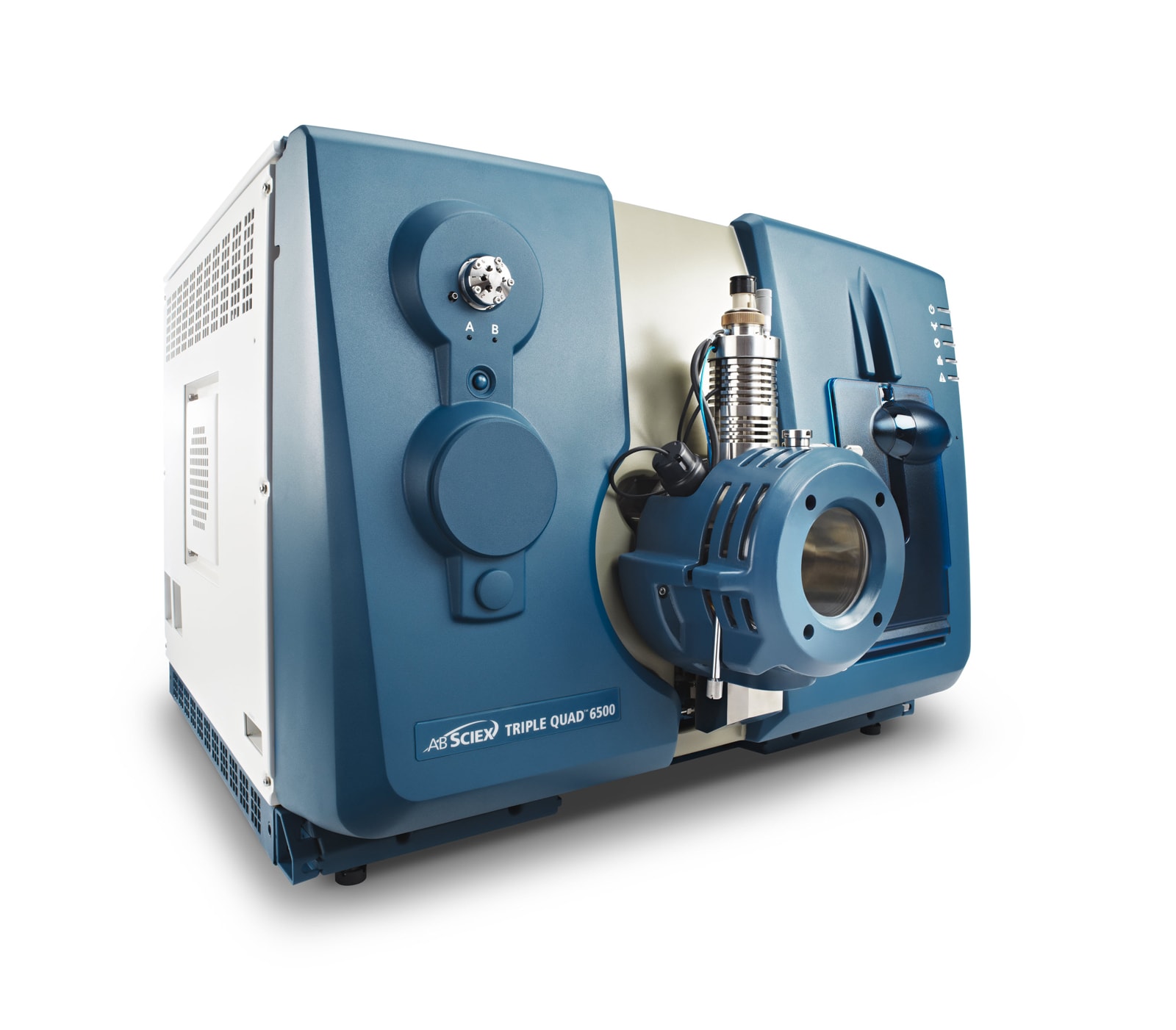
Avalon LIS has been interfaced with instruments across multiple testing disciplines. Laboratories operating across multiple facilities can also explore Avalon LIS multi-site laboratory management. Confirm current availability for your specific manufacturer, model, protocol, and workflow.
Swipe sideways to explore instrument examples.

Operational impact
Focus Staff on Review, Not Re-entry
Manual transcription creates extra work and additional opportunities for mismatched orders, identifiers, or result values. Instrument interfaces reduce those handoffs by moving supported information electronically between the analyzer and Avalon LIS.
- Reduce repeated order and result entry
- Keep instrument data tied to the correct LIS workflow
- Surface exceptions for technician attention
- Support faster result review without removing human oversight
Implementation path
Plan and Validate the Connection
A successful instrument interface begins with the exact analyzer and the way your laboratory expects information to move.
Confirm the Instrument
Identify the manufacturer, model, software version, connection method, and interface specification.
Map the Workflow
Define the order, demographic, barcode, result, QC, review, and posting behavior required by the laboratory.
Test Before Go-Live
Validate representative orders and results so staff understand the workflow before production use.
Common questions
Laboratory Instrument Interface FAQ
What laboratory instruments can Avalon LIS connect to?
CSS has developed a library of more than 350 instrument interfaces. Current availability depends on the specific manufacturer, model, protocol, software version, and workflow requirements.
Can an interface send orders and receive results?
Supported bidirectional connections can send patient and testing information to an analyzer and return results or available QC information to Avalon LIS. Capabilities vary by instrument.
Can technicians review results before they are posted?
Yes. Avalon LIS supports technician review and approval workflows so staff can address exceptions or rerun testing before final disposition.
Does Avalon LIS support barcoded specimens?
Yes. Avalon workflows use barcoded sample labels, and supported auto-sampling connections can use those identifiers to reduce manual entry.
What if our instrument is not already listed?
Contact CSS with the manufacturer, model, protocol, and desired workflow. The team can review existing interface availability and evaluate the requirements for your instrument.
Plan your connection
Tell Us Which Instruments Your Laboratory Uses
Share the manufacturer, model, and workflow you need to support. We will review available Avalon LIS instrument interfaces and the right next step for your laboratory.